
01
Capture
Capture
Record a conversation, capture a browser meeting, or import media and documents.
Record or import the moments that matter. Leave with a clear transcript, summary, decisions, and next steps you can actually use.

Meeting ready
8 key points · 4 actions
From sound to useful work
MicNoter keeps the note connected to the original conversation, so every answer can lead you back to the moment behind it.
Project conversation
TRANSCRIPT
The biggest issue is finding the decision after the meeting.
Keep the answer connected to the exact moment it came from.
And make the next step obvious before everyone leaves.
Speaker-aware transcript
Focused summary
Decisions and action items
Searchable source moments
Ask questions about the note
Translation and study tools
Record a conversation, capture a browser meeting, or import media and documents.
Get the transcript, summary, decisions, questions, and action items in one place.
Search the moment, ask the note, export the recap, and follow through.
Made for real life
Use the same calm workflow for a remote call, a crowded lecture hall, or the idea that arrives before you are ready to type it.
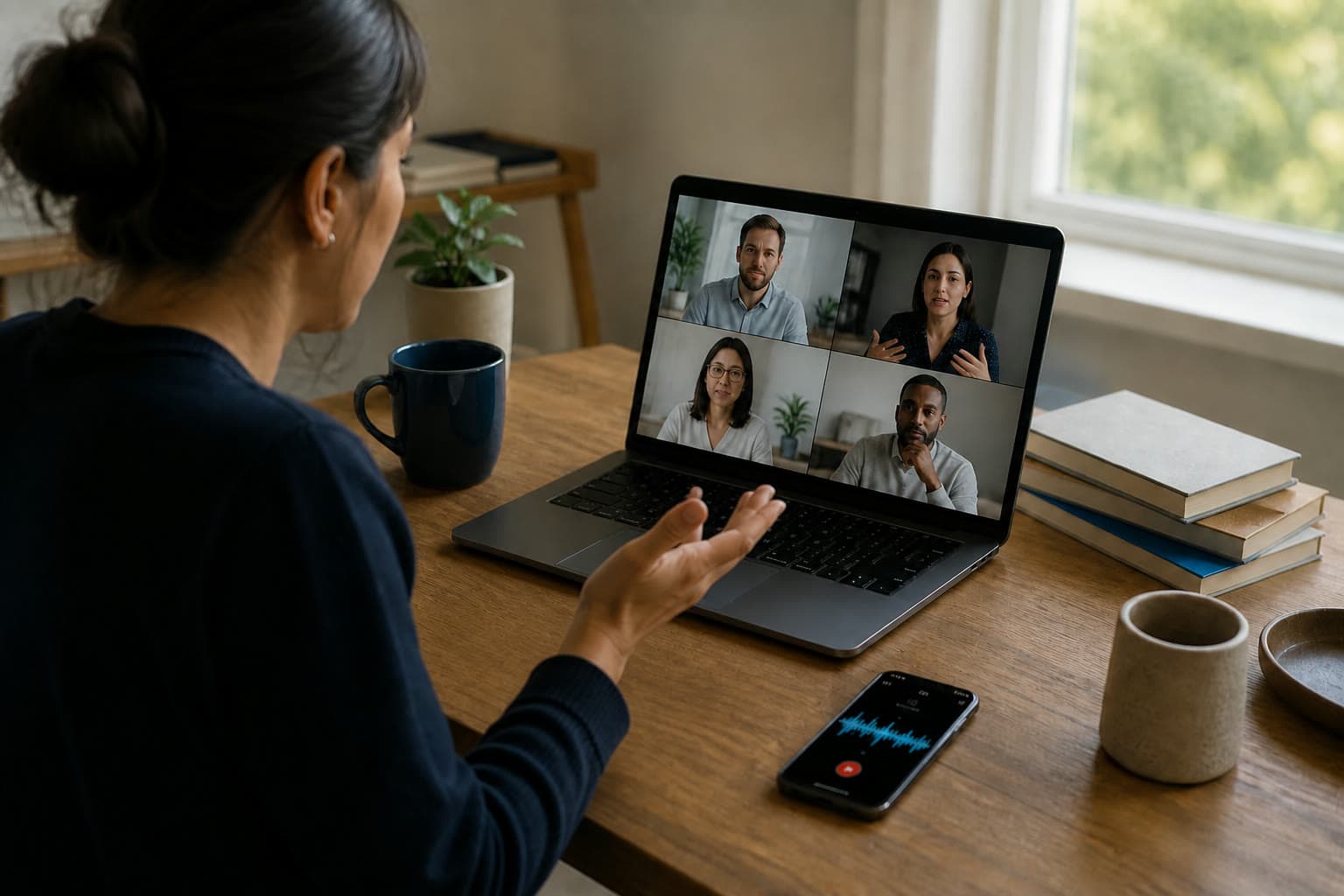
Capture a shared tab, window, or screen with system audio when your browser supports it. No meeting bot joins.
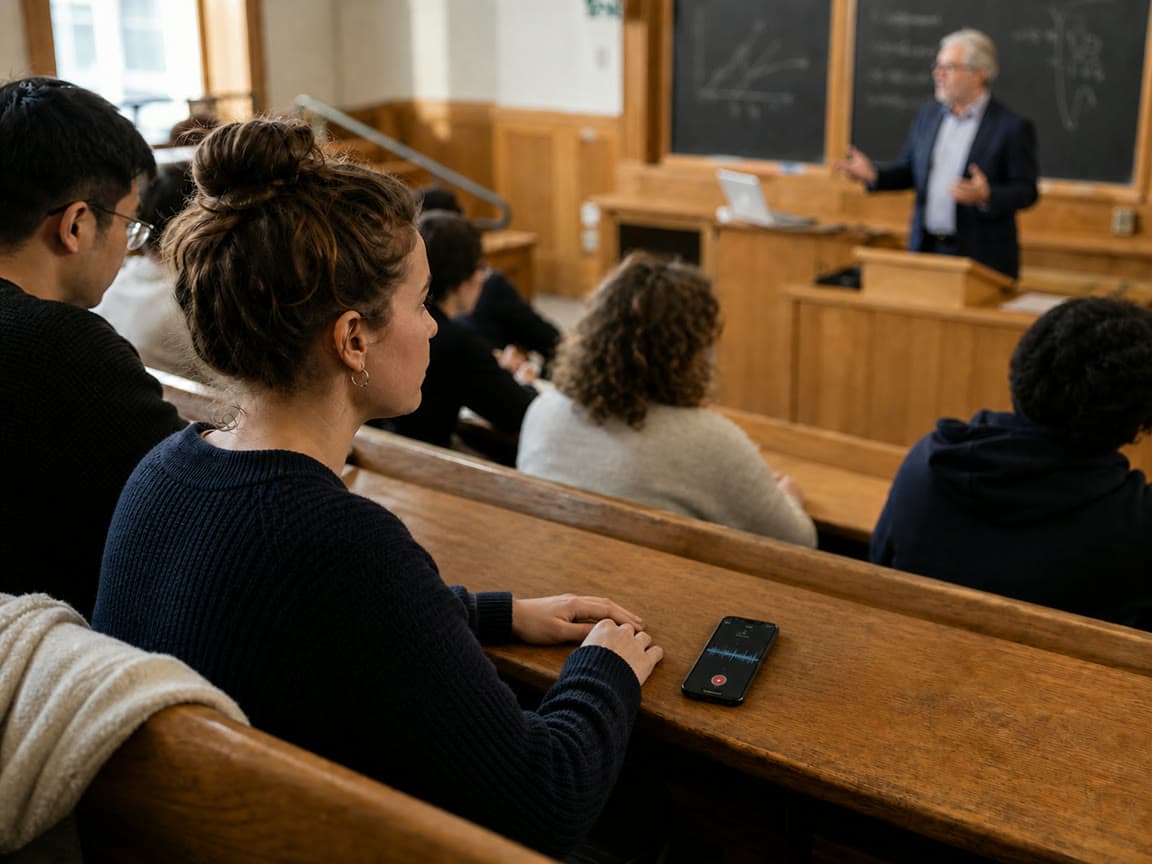
Stay with the lesson while MicNoter keeps the recording, transcript, and moments you will want for review.

Speak naturally, then turn the recording into organized thoughts instead of another forgotten audio file.

Private by default
Your workspace is tied to your account. Sharing and deletion remain deliberate actions, and browser meeting capture uses only the sources you choose.